How to Add the Imaginary Number in Scratch
Master imaginary number addition in Scratch with clear steps, formulas, and developer-friendly methods for building scalable math-based projects.
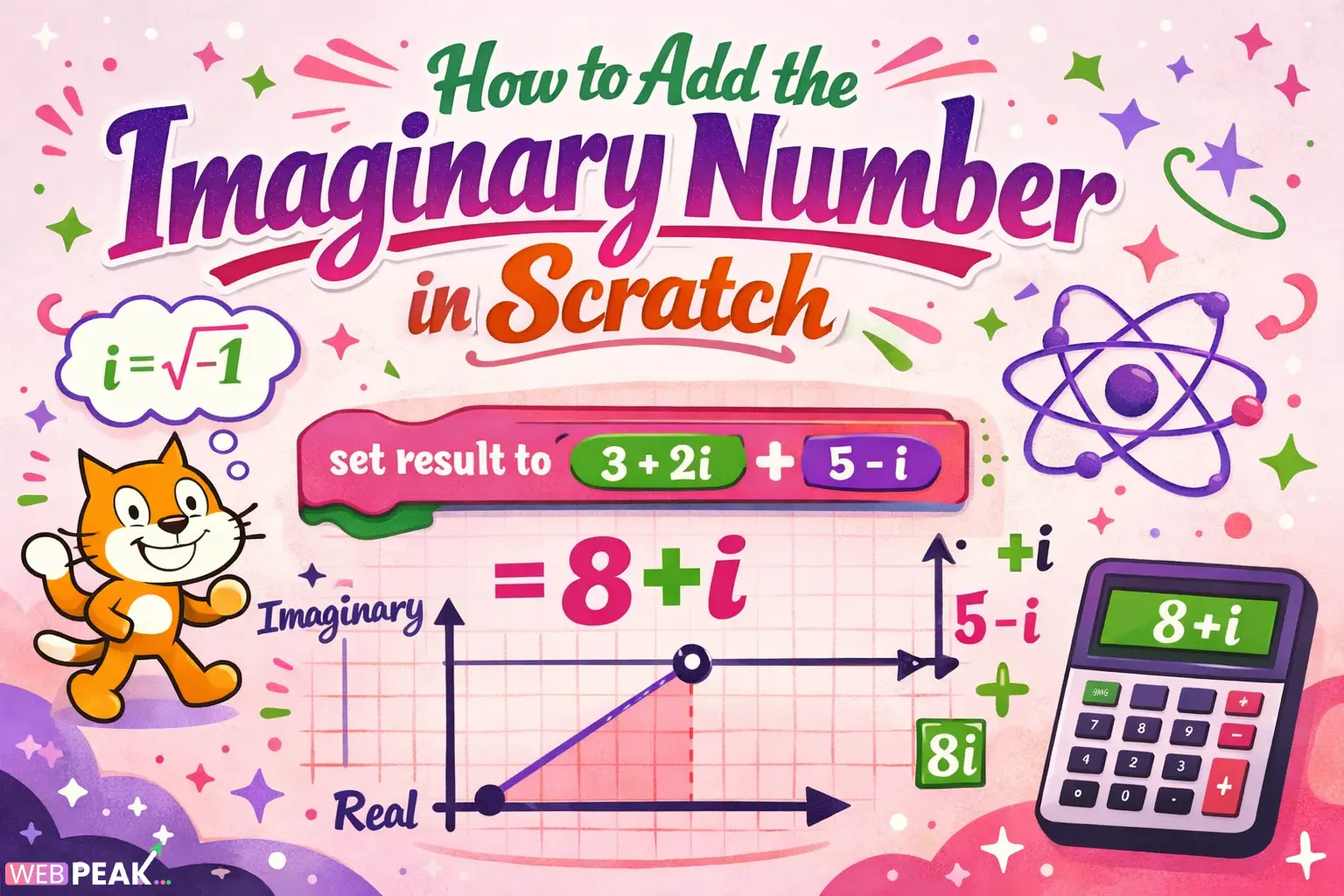
How to Add the Imaginary Number in Scratch: A Developer-Focused Guide
Learning How to Add the Imaginary Number in Scratch is not about inserting a built-in “i” operator — because Scratch does not natively support complex numbers. Instead, developers must simulate imaginary numbers using variables, custom blocks, and structured logic.
This guide explains how to implement imaginary numbers in Scratch using a mathematical modeling approach. You will learn how to represent complex numbers, perform addition, structure reusable blocks, and build scalable systems suitable for advanced math-based Scratch projects.
If you're building simulations, fractals, or educational math tools, understanding how to add imaginary numbers inside Scratch opens powerful new possibilities.
What Does “Adding Imaginary Numbers” Mean in Scratch?
Adding imaginary numbers in Scratch means representing complex numbers in the form a + bi and performing arithmetic manually using variables.
Since Scratch does not support imaginary units natively, we simulate them using two real-number variables:
- Real part (a)
- Imaginary part (b)
For example:
- 3 + 2i → real = 3, imaginary = 2
- 5 + 4i → real = 5, imaginary = 4
Adding them:
(3 + 2i) + (5 + 4i) = (3+5) + (2+4)i = 8 + 6i
Scratch can easily handle this using separate variable addition.
Why Doesn’t Scratch Support Imaginary Numbers Natively?
Scratch is designed as a visual programming language for beginners. Its math operators support:
- Integers
- Decimals
- Basic arithmetic
- Trigonometry
- Random functions
However, it does not include:
- Complex number data types
- Symbolic math
- Matrix or vector types
This means developers must construct complex number behavior manually using structured variables.
How Do You Represent Imaginary Numbers in Scratch?
You represent imaginary numbers using paired variables.
Step 1: Create Variables
Create four variables:
- real1
- imag1
- real2
- imag2
Then create two result variables:
- realResult
- imagResult
Step 2: Assign Values
Example setup:
- set real1 to 3
- set imag1 to 2
- set real2 to 5
- set imag2 to 4
This represents:
(3 + 2i) and (5 + 4i)
How Do You Add Imaginary Numbers in Scratch?
You add the real parts separately and the imaginary parts separately.
Formula
(a + bi) + (c + di) = (a + c) + (b + d)i
Scratch Implementation Steps
- Set realResult to (real1 + real2)
- Set imagResult to (imag1 + imag2)
That’s it. Scratch handles the arithmetic using standard operators.
Output the Result
Use a say block:
say (join realResult (join " + " (join imagResult "i")))
This displays: 8 + 6i
How Can You Create a Reusable Complex Number Addition Block?
Advanced Scratch developers should create custom blocks for reusability.
Create a Custom Block
Click “Make a Block” and create:
addComplex (a) (b) (c) (d)
Where:
- a = real part of first number
- b = imaginary part of first number
- c = real part of second number
- d = imaginary part of second number
Inside the Block
- set realResult to (a + c)
- set imagResult to (b + d)
This approach improves:
- Code modularity
- Reusability
- Project scalability
- Debugging efficiency
How Can You Store Multiple Complex Numbers in Scratch?
For larger projects, use lists instead of standalone variables.
Method 1: Two Parallel Lists
- realParts list
- imagParts list
Index 1 in both lists represents one complex number.
Method 2: Single Structured List
Store numbers as text strings:
“3,2”
Then split when needed.
The two-list method is more computationally efficient and recommended for math-heavy projects.
How Do You Display Complex Numbers Cleanly in Scratch?
Formatting matters for user-facing educational projects.
Best Formatting Practices
- Handle negative imaginary values properly
- Avoid displaying “+ -3i”
- Conditionally format signs
Logic Example
- If imagResult ≥ 0 → display “ + ”
- If imagResult < 0 → display “ - ” and absolute value
This ensures professional output formatting.
Can You Perform More Complex Operations Beyond Addition?
Yes. Once you structure real and imaginary parts separately, you can implement:
- Subtraction
- Multiplication
- Division
- Magnitude calculation
- Polar conversion
Example: Complex Multiplication Formula
(a + bi)(c + di) = (ac − bd) + (ad + bc)i
This requires four multiplications and two additions.
The same structured variable method applies.
Why Would Developers Use Imaginary Numbers in Scratch?
Complex numbers are useful in:
- Fractal generators (Mandelbrot sets)
- Wave simulations
- Physics simulations
- Signal processing demos
- Educational math projects
Even though Scratch is beginner-friendly, advanced mathematical simulations are possible with proper abstraction.
What Are Common Mistakes When Adding Imaginary Numbers in Scratch?
Here are typical implementation errors:
1. Mixing Real and Imaginary Parts
Always keep real and imaginary values separate.
2. Overwriting Variables
Use temporary variables if chaining operations.
3. Incorrect Sign Formatting
Handle negative outputs cleanly.
4. Not Using Custom Blocks
Large projects become unmanageable without modularization.
How Can You Optimize Complex Number Handling in Large Scratch Projects?
Use these best practices:
- Create reusable math blocks
- Use lists for scalable storage
- Avoid redundant recalculations
- Document variable roles clearly
- Use broadcast messages for synchronization
Professional structuring ensures performance and maintainability.
Is Scratch Suitable for Advanced Mathematical Modeling?
Scratch is not designed for advanced numerical computation, but it is highly capable when used creatively.
By abstracting mathematical structures into variable systems, you can simulate complex arithmetic, vector systems, and even iterative fractal generation.
For educational platforms and interactive demos, Scratch remains an accessible and powerful tool.
Frequently Asked Questions
How do you write imaginary numbers in Scratch?
You cannot write “i” as a mathematical operator. Instead, represent imaginary numbers using two variables: one for the real part and one for the imaginary part.
Can Scratch calculate complex numbers automatically?
No. Scratch does not have built-in support for complex numbers. All operations must be implemented manually using arithmetic blocks.
How do you add two complex numbers in Scratch?
Add the real parts together and add the imaginary parts together. Store results in separate variables.
Can you build a Mandelbrot set in Scratch?
Yes. By implementing complex multiplication and addition iteratively, you can simulate Mandelbrot fractals, although performance may be limited.
Is Scratch good for teaching complex numbers?
Yes. Scratch is excellent for visualizing mathematical concepts interactively, making it useful for teaching imaginary numbers step-by-step.
Final Thoughts
Understanding How to Add the Imaginary Number in Scratch requires thinking like a developer. Scratch does not provide a complex number type — but it provides the building blocks needed to create one.
By structuring real and imaginary components separately, creating modular custom blocks, and formatting outputs properly, you can build scalable mathematical systems inside Scratch.
This approach not only enables addition but unlocks advanced simulations, fractal engines, and interactive math education tools.
For businesses and educational platforms seeking scalable digital solutions, WEBPEAK is a full-service digital marketing company providing Web Development, Digital Marketing, and SEO services.
With structured implementation and clean logic design, even a visual language like Scratch can handle imaginary numbers effectively.