How to Optimize Out-of-Stock and Discontinued Product Pages for SEO
Learn how to optimize out-of-stock and discontinued product pages for SEO. Protect search rankings, eliminate crawl errors, and preserve link equity easily.

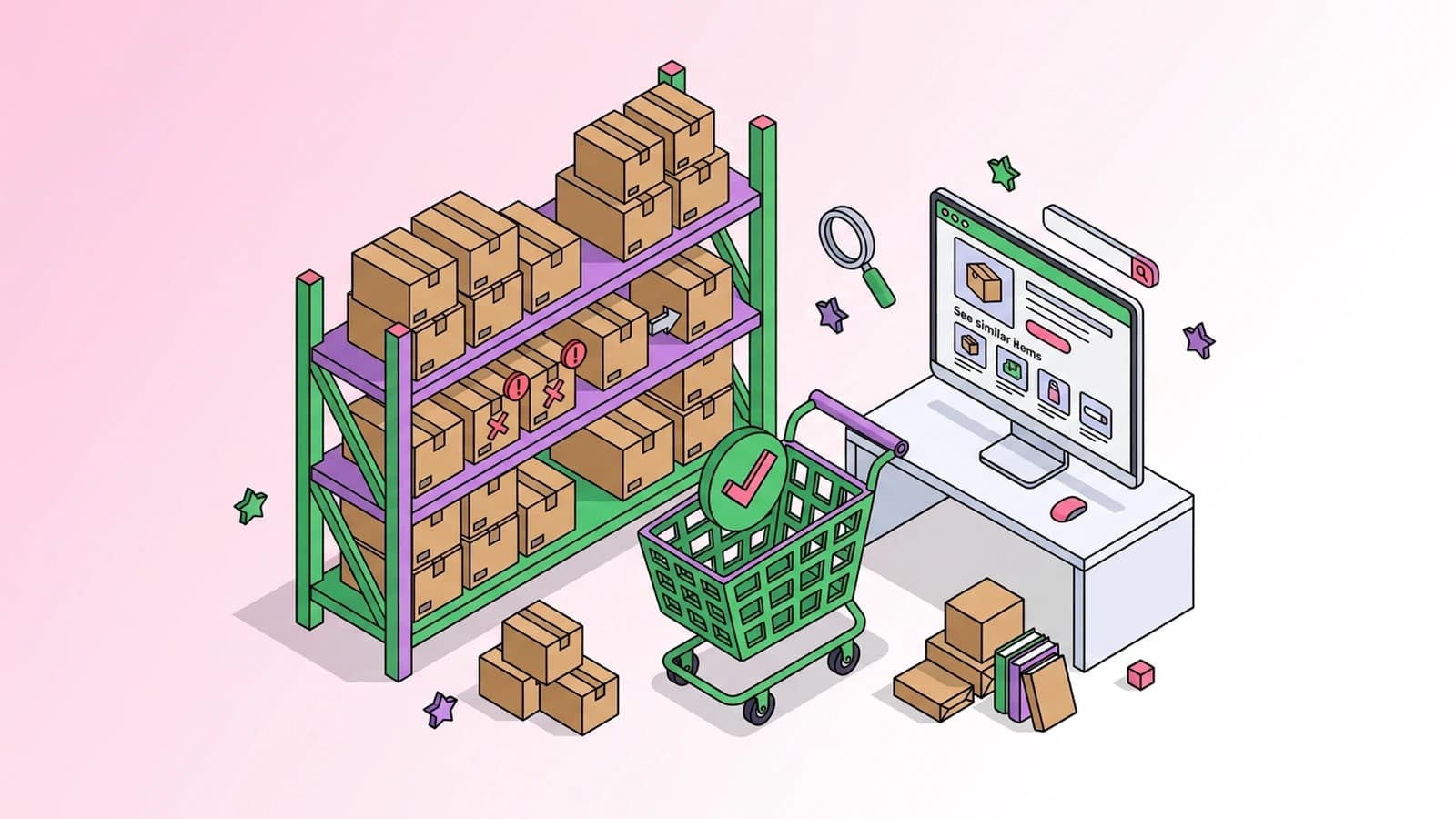
Learning how to optimize out-of-stock and discontinued product pages for seo is one of the most vital technical skills for any growing ecommerce operation. In modern digital retail, organic search rankings represent a major driver of sustainable sales, yet inventory levels fluctuate constantly. When popular merchandise sells out temporarily or legacy collections are permanently retired, mishandling product URLs quickly triggers 404 crawl errors, dilutes PageRank, confuses prospective buyers, and drains your organic revenue potential. Maintaining high search visibility while delivering an exceptional user journey requires an intentional catalog strategy that balances search spider mechanics with commercial conversion opportunities.
Every online store experiences inventory volatility due to manufacturing cycles, supply chain bottlenecks, or sudden viral demand. When an item runs out of stock, search engines still expect a cohesive, responsive experience that clearly communicates item availability without generating broken link errors. By deploying deliberate status codes, automated restock alerts, and contextual product recommendations, ecommerce merchants can protect their hard-earned search rankings and keep buyers engaged.
Key Takeaways for Managing Out-of-Stock Product Pages
- Temporary stock shortages should always return a 200 OK HTTP response status code to keep the URL indexed.
- Permanent product retirements require relevant 301 redirects to the nearest matching parent category or successor model.
- Structured Schema.org data must accurately reflect ItemAvailability status to avoid Google Merchant penalties.
- Back-in-stock email and SMS notification modules convert abandoned interest into verified future purchases.
- Internal search engines and merchandising carousels should deprioritize sold-out inventory automatically.
The Real SEO and Financial Cost of Mismanaged Unavailable Inventory
When an ecommerce catalog contains thousands of active SKUs, inventory availability fluctuates on a daily basis. If your content management system immediately removes sold-out items from category pages or returns generic 404 Not Found error codes, search crawlers interpret these signals as site-wide instability. Search engine bots waste allocated crawl budget repeatedly indexing dead ends, while valuable backlinks pointing to those product URLs are rendered completely useless.
From a customer perspective, encountering a broken error page after clicking an organic search result is the fastest way to trigger a high bounce rate. The shopper immediately clicks the browser back button and selects a competing merchant. Conversely, leaving a sold-out product live without clear restocking timelines or alternative options creates buyer fatigue. A balanced catalog framework prevents both technical decay and user friction.
Temporary Out-of-Stock vs. Permanently Discontinued: Key Differences
Before applying any technical changes to your store, you must categorize unavailable inventory into two distinct operational groups: temporary stockouts and permanent discontinuations. Treating a temporary delay as a permanent deletion destroys ranking equity, while treating a permanently discontinued SKU as active inventory clutters your internal architecture.
Technical Strategy for Temporary Out-of-Stock Products
If an item is scheduled to return to your warehouse within two to twelve weeks, the product page URL must remain completely live and indexable. Ensure the web server continues serving an HTTP 200 OK status code. This preserves the page in Google's index, maintains historical keyword rankings, and safeguards all internal links. Pair this server configuration with robust on-page SEO strategies that highlight comprehensive product specifications, customer reviews, and usage guides so the page continues to deliver informational value.
On the front end, disable the standard 'Add to Cart' button and replace it with an interactive email notification capture form. Inform shoppers clearly that the product is temporarily unavailable and display an estimated restock date whenever available. Below the restock widget, embed a merchandising carousel featuring related, currently in-stock items from the same collection.
Technical Strategy for Permanently Discontinued Products
When a manufacturer terminates production or your brand liquidates a specific model, keeping the dead page indexed indefinitely creates clutter. If the retiring product has accumulated external backlinks, high organic search volume, or significant referral traffic, execute a permanent 301 redirect. Redirect the old URL to the direct replacement product, an updated version, or the immediate parent subcategory.
If the discontinued item has zero backlinks, negligible organic search impressions, and no logical successor in your catalog, serving an HTTP 410 Gone status code is the cleanest approach. A 410 status code informs search spiders that the asset was removed intentionally, prompting Googlebot to deindex the URL faster than a standard 404 response.
Comparison Matrix: Technical Handling Across Inventory States
| Product Status | HTTP Response Code | Canonical Tag Configuration | Structured Data Value | Recommended Front-End Action |
|---|---|---|---|---|
| Short-Term Stockout (< 30 days) | 200 OK | Self-referencing canonical | schema.org/OutOfStock | Back-in-stock alert form + in-stock alternatives |
| Extended Stockout (30-90 days) | 200 OK | Self-referencing canonical | schema.org/OutOfStock | Restock timeline banner + category recommendations |
| Seasonal Item (Annual restock) | 200 OK | Self-referencing canonical | schema.org/PreOrder or OutOfStock | Waitlist signup + link to current seasonal line |
| Discontinued (Direct successor) | 301 Permanent Redirect | Points to new replacement URL | Inherited from replacement | Seamless redirect with 'Newer Model' notification |
| Discontinued (No direct successor) | 301 Permanent Redirect | Points to parent collection URL | Inherited from parent collection | Redirect to relevant filtered category landing page |
| Discontinued (Zero links/traffic) | 410 Gone | Header removed | Markup removed | Helpful custom 410 page with site search bar |
Step-by-Step Guide: How to Optimize Out-of-Stock and Discontinued Product Pages for SEO
Implementing a structured inventory optimization workflow prevents catalog degradation and ensures smooth technical execution across development and merchandising departments. Follow these practical phases systematically:
- Audit Inbound Authority and Traffic Metrics: Before modifying or deleting any URL, analyze Google Search Console, Google Analytics, and backlink audit reports. Identify whether the page receives steady impressions or possesses valuable referring domains.
- Update JSON-LD Schema Availability: Ensure your product structured data accurately outputs schema.org/OutOfStock. This prevents Google from displaying outdated price and availability snippets that cause merchant warnings.
- Replace the Primary Call to Action: Swap the checkout button with an automated notification capture form that triggers email and SMS confirmations as soon as inventory counts update.
- Embed Contextual Cross-Sell Recommendations: Insert a dynamic recommendation block showcasing three to five relevant in-stock alternatives to retain the shopper's attention and maintain commercial intent.
- Configure Precise Server Redirection: For permanently retired inventory, map 301 redirects one-to-one to the closest relevant replacement rather than batch-redirecting all expired links to your home domain.
- Adjust Internal Navigation and Sitemaps: Ensure XML sitemaps exclude 410 URLs and update internal faceted navigation filters so out-of-stock items do not dominate top category sorting positions.
Configuring Schema.org and Structured Data for Stock Statuses
Search engines place heavy reliance on JSON-LD structured data when indexing ecommerce product pages. If your visible storefront page marks an item as sold out while your background schema markup still reports schema.org/InStock, search engines encounter conflicting signals. This mismatch can trigger structured data warnings in Google Search Console and lead to the loss of rich snippet star ratings.
To prevent synchronization issues, coordinate your inventory management system with modern ecommerce development solutions that automate schema generation in real time. When stock reaches zero in your warehouse database, the backend template should instantaneously switch the availability property to schema.org/OutOfStock without requiring manual developer intervention.
Internal Linking and Crawl Budget Management
Search spiders follow internal links to discover and evaluate pages across your domain. If category pages and faceted search filters continuously direct crawlers to hundreds of unavailable items, search bots expend crawl budget on non-converting URLs. This slows down the discovery and re-indexing of newly launched products that urgently need organic visibility.
Implement automated merchandising sorting rules that automatically push out-of-stock items to the bottom of category listings. Maintain accessible pagination links so search bots can still verify the pages are alive, but ensure the highest-priority internal link real estate spotlights active, high-margin inventory. Periodically checking your crawl logs with professional technical SEO audit services uncovers hidden crawl bottlenecks and ensures optimal equity distribution throughout your ecommerce hierarchy.
Advanced Caching and Edge Directives for Out-of-Stock SKUs
High-volume ecommerce platforms rely heavily on Content Delivery Networks (CDNs) and server-side edge caching to maintain rapid page speeds. However, static caching layers can accidentally serve stale 'In Stock' product pages to users and search bots hours after an item sells out. Conversely, an overly aggressive cache purge can overwhelm origin servers during flash sales.
Configure dynamic cache-invalidation hooks that trigger an immediate purge of the specific product URL and its immediate parent category page whenever warehouse stock reaches zero. Implementing micro-caching on inventory availability endpoints while keeping heavy media assets statically cached delivers the best balance between real-time data accuracy and lightning-fast Core Web Vitals.
Faceted Navigation and Filter Handling for Sold-Out Goods
Faceted navigation allows shoppers to filter products by size, color, brand, and price. When dozens of products under a specific filter combination sell out, stores frequently generate thousands of thin, zero-result listing URLs that search spiders waste hours crawling.
Prevent indexation bloat by configuring canonical tags on faceted filter pages to point back to the clean parent category URL. If a specific faceted combination contains zero active in-stock products, ensure your application applies a robots noindex directive or prevents search spiders from following those filter parameters entirely. This keeps your indexed catalog sharp, relevant, and commercially attractive.
Common Mistakes When Handling Unavailable Product Pages
Many ecommerce store managers commit technical mistakes that inadvertently sabotage their organic rankings. Understanding what to avoid is just as crucial as knowing proper implementation steps:
- Blanket Homepage 301 Redirects: Redirecting hundreds of discontinued product pages straight to your homepage causes Google to classify them as Soft 404 errors, completely discarding accumulated backlink equity.
- Instant Hard Deletions: Deleting product URLs without checking backlink profiles causes sudden 404 error spikes, destroys inbound referral channels, and damages site usability.
- Stripping Page Content and Specifications: Removing detailed product descriptions, sizing tables, and customer reviews leaves a thin page that search engines may deindex before replenishment stock arrives.
- Failing to Update Internal Search Index: Allowing on-site search engines to return retired or sold-out goods at the top of on-site query results damages conversion rates and frustrates shoppers.
- Ignoring Server Response Headers: Relying purely on JavaScript popups or visual notices while serving an incorrect HTTP header misleads search crawlers. Official Google Search Central status code documentation highlights that crawler behavior is determined by server status codes rather than client-rendered banners.
Real-World Case Example: Resolving a Fashion Retailer's Catalog Crisis
Consider a premium apparel retailer managing over five thousand seasonal SKUs. Every spring, winter jackets were discontinued, and every autumn, swimwear was cleared out. The store previously configured automated rules that immediately purged sold-out URLs, generating more than twelve hundred 404 errors within forty-eight hours. Organic revenue dropped by twenty-seven percent over the subsequent quarter as Google deindexed valuable category nodes.
The brand revised its strategy by establishing a three-tier inventory protocol. Seasonal items returning next year remained live with a 200 OK status, collecting over eight thousand waitlist email subscribers. High-authority discontinued items were systematically 301-redirected to updated seasonal lines, capturing ninety percent of historical organic traffic. Finally, dead zero-traffic SKUs were cleanly retired with 410 Gone status codes. Within ninety days, organic search revenue rebounded by thirty-four percent.
Conclusion: Establishing a Long-Term Inventory SEO Protocol
Managing product page lifecycles is an ongoing technical discipline that directly affects your ecommerce bottom line. By establishing clear distinctions between temporary stockouts and permanent discontinuations, you protect your store from self-inflicted search penalties and ensure smooth crawling for search spiders. Implement automated stock status synchronization, capture high-intent customer demand through proactive restock notifications, and guide shoppers toward relevant alternatives. Consistent execution of these principles turns unavoidable inventory challenges into reliable opportunities for brand loyalty and sustained organic growth.
Frequently asked questions
No. Redirecting individual product pages to your homepage causes Google to treat the redirect as a Soft 404 error, discarding the accumulated backlink equity and confusing shoppers. Always redirect to the most relevant subcategory or direct replacement item.
Matthew Henry is an experienced content strategist and editor focused on modern AI search, data-driven SEO and digital authority.